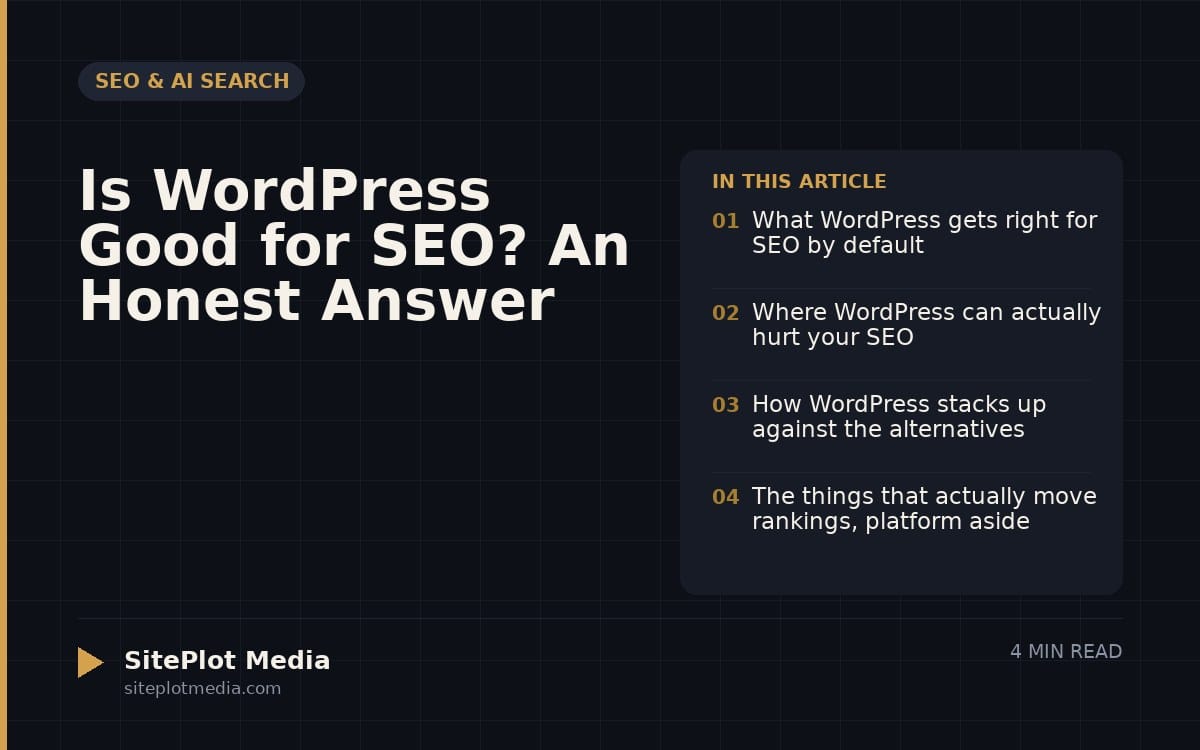
Yes, WordPress is genuinely good for SEO — but the platform itself is only part of the equation. Out of the box, WordPress produces clean, crawlable pages, supports all the technical SEO fundamentals, and gives you full control over your content. The real variable is how your site is built and maintained, not which CMS badge it carries.
What WordPress gets right for SEO by default
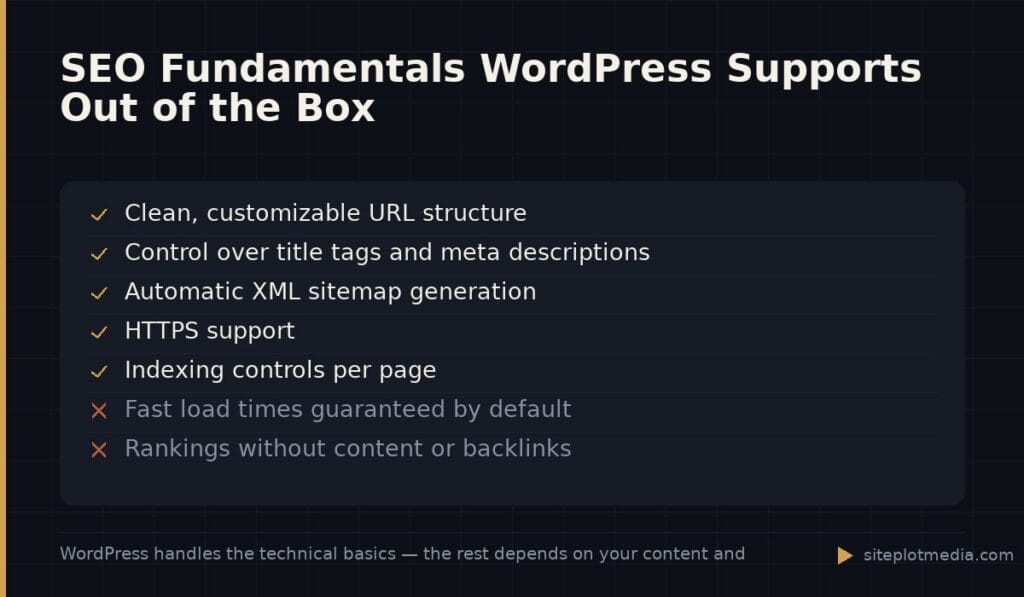
WordPress generates pages with logical HTML structure, supports clean URL patterns (called permalinks), and makes it straightforward to add title tags and meta descriptions — the text that appears in search results. These aren’t glamorous features, but they’re the foundation every page needs. Most hosted website builders lock some of these settings behind their own rules; WordPress doesn’t.
The platform also produces an XML sitemap automatically (a file that tells Google about all your pages), supports HTTPS, and makes it easy to control which pages you want search engines to index. For a business owner who wants to own their content and their site without fighting the tool, that matters. You’re not asking permission to do basic SEO — it’s already there.
Where WordPress can actually hurt your SEO
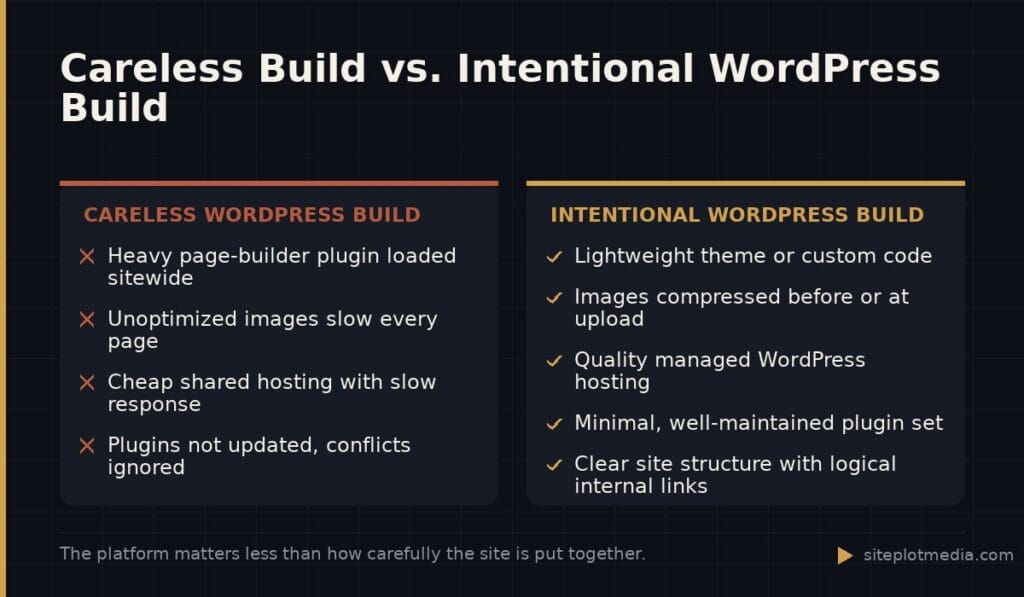
Here’s the honest part: WordPress can be slow, bloated, and technically messy if it’s built carelessly. Page speed is a real ranking factor, and a WordPress site loaded with a heavy page-builder plugin (like Elementor or Divi), a dozen additional plugins, and unoptimized images can load noticeably slower than a leaner site on a competing platform. Google measures this, and users definitely feel it.
Plugins are the other double-edged sword. There are excellent SEO plugins — Yoast SEO and Rank Math are the two most widely used — but plugins can also conflict with each other, introduce security vulnerabilities, or add unnecessary code that slows your pages. A WordPress site that hasn’t been touched in two years is often a liability, not an asset.
The summary: WordPress doesn’t hurt your SEO. A neglected or bloated WordPress build does. That distinction matters when you’re deciding whether the platform is to blame for your current rankings or whether the problem is with how the site was put together.
This is the kind of thing we handle day to day — you can see how our build process works or browse recent work.
How WordPress stacks up against the alternatives
The realistic competitors for most small and mid-sized businesses are Squarespace, Wix, Webflow, and Shopify (for e-commerce). None of them are bad for SEO in 2024 — all support title tags, sitemaps, and HTTPS. The differences show up at the edges.
- Squarespace and Wix are easier to launch but give you less control over technical details like page structure, redirect rules, and custom code. For a simple local service business, that trade-off is often fine.
- Webflow produces very clean, fast code and is a strong SEO choice — but it’s expensive and requires a designer who knows the platform.
- Shopify handles e-commerce SEO well but has some structural limitations (like rigid URL formats) that can be a minor headache for larger catalogs.
WordPress remains the most flexible option for businesses that expect their content needs to grow — multiple service pages, a blog, landing pages for campaigns, local SEO pages. If your site is three pages and you don’t plan to publish content regularly, an easier builder may serve you just as well.
The things that actually move rankings, platform aside
No platform — WordPress or otherwise — will rank your site by itself. The factors that genuinely drive organic traffic are consistent across every CMS:
- Content relevance: Are you publishing pages that clearly and specifically answer what your customers are searching for?
- Page experience: Does the site load quickly, work on mobile, and avoid intrusive popups?
- Backlinks: Do other credible websites link to yours? This signals authority to Google.
- Technical health: Are there broken links, duplicate pages, or crawl errors that confuse search engines?
WordPress makes it easier to manage all of these things compared to a locked-down builder, but easier doesn’t mean automatic. A well-structured WordPress site with a real content strategy will outperform a neglected one on any platform. The best CMS for SEO is the one you’ll actually use to publish content consistently.
What a well-built WordPress site looks like in practice
A WordPress site that’s genuinely optimized for search starts with fast, lightweight code — typically a minimal theme or a custom build rather than a heavy drag-and-drop page builder. Images are compressed before upload or handled automatically by the host. Caching is configured so repeat visitors (and Google’s crawlers) aren’t waiting on the server. A quality managed WordPress host — WP Engine, Kinsta, and Cloudways are commonly recommended — makes a real difference here compared to cheap shared hosting.
On the content side, each page has a single clear topic, a descriptive title, and an introduction that gets to the point. Internal links connect related pages so users (and search engines) can navigate the site logically. An SEO plugin like Rank Math handles the behind-the-scenes metadata without requiring you to touch code.
If you’re evaluating whether to build or rebuild on WordPress, the build quality matters as much as the platform decision. A thoughtfully scoped project — one that addresses page speed, site structure, and content from the start — will serve you far better than the cheapest option that checks the WordPress box.
Frequently asked questions
Is WordPress better for SEO than Squarespace?
WordPress gives you more control over technical SEO details, which matters as your site grows in complexity. For a simple site with a few pages and no ongoing content strategy, Squarespace handles the basics fine — the platform gap is smaller than most agencies will tell you.
Do I need an SEO plugin for WordPress?
You don't strictly need one, but a free plugin like Rank Math or Yoast SEO makes it much easier to manage title tags, meta descriptions, and sitemaps without touching code. Most WordPress sites benefit from using one.
Does WordPress affect page speed?
WordPress itself is not inherently slow, but heavy themes, page-builder plugins, and too many add-ons can significantly increase load time. A lean build on a quality host will typically load as fast as any competing platform.
Can I do local SEO on WordPress?
Yes — WordPress fully supports everything local SEO requires, including location-specific pages, schema markup (structured data that helps Google display your business details), and integration with Google Business Profile. No special plugin is required, though several exist to streamline the process.
How much does a well-built WordPress site cost?
Cost varies widely depending on scope — a freelancer might charge a few thousand dollars while a full-service agency project can run significantly more. At Siteplot Media, our WordPress builds start at $5,000 one-time with ongoing support at $500 per month after the included 90-day period, which covers sites built to perform technically from launch.